Firmware for the BTT KNOMI V2
KNOMI-NG
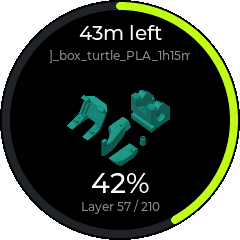
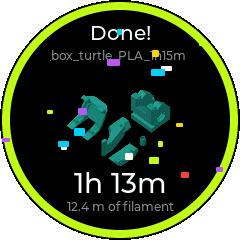
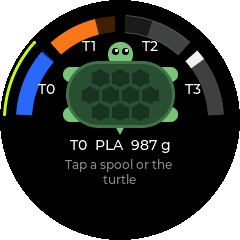
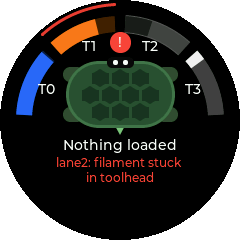
Drawn eyes that react to your printer, print progress with the model's thumbnail, and a screen for the Box Turtle. Made for Voron printers running Klipper.

Install over USB
Works in Chrome and Edge on a desktop. Already running the stock firmware on Wi-Fi? You can install over Wi-Fi instead and keep the stock GIFs.
- Plug in the KNOMIHold its button while you plug in a USB-C data cable. The screen shares the USB pins, so the KNOMI only talks USB in flashing mode.
- Click InstallPick the KNOMI's serial port when the browser asks.
- Set it upJoin the
KNOMI-xxxxnetwork shown on its screen and open 192.168.4.1.
This replaces everything on the KNOMI, including the stock GIFs. You can go back to the stock firmware at any time.
Screens
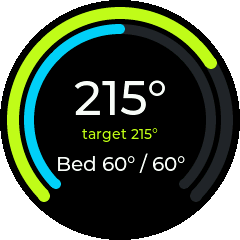
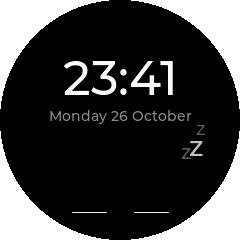
Swipe between them on the KNOMI. It returns to the face on its own, or jumps to whatever needs attention.